Fast Singapore VPN Servers for Secure Browsing
Switch your connection to Singapore with HidzoVPN and browse the internet using a Singapore IP address. Built for speed, privacy, and simple everyday use, our Singapore VPN connection is a practical choice for accessing local online services, traveling across Asia, gaming, or securing your traffic on networks you don't control.
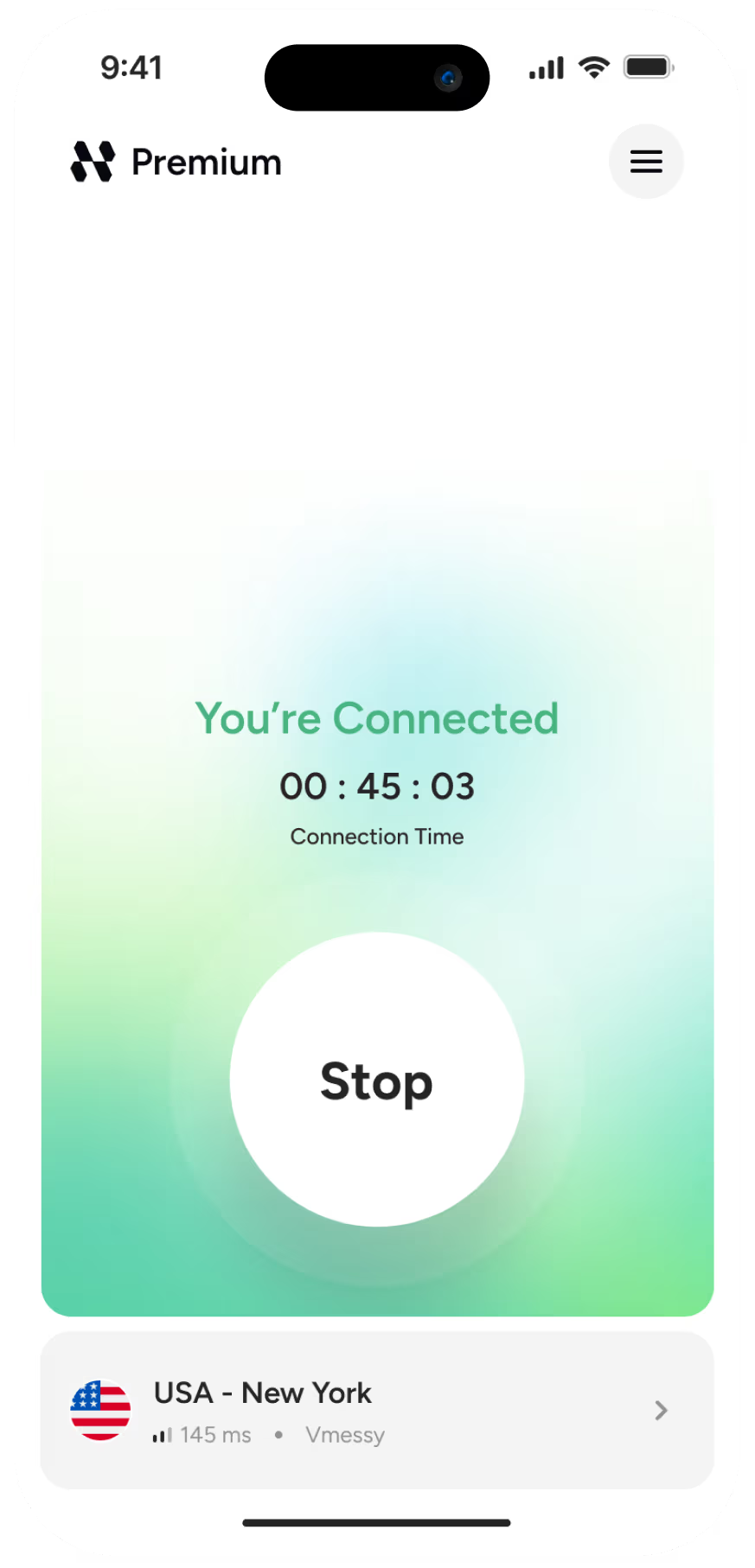

Get the IP of your chosen country
Instantly switch your virtual location and browse the internet with an IP address from the country you choose.

Fast and stable connection
Enjoy smooth streaming and browsing with optimized servers built for consistent speed.

Protect your privacy online
Keep your browsing activity private with encrypted connections and a strict no-logs policy.

Stay safe on public networks
Browse securely on airport, hotel, or café Wi-Fi with built-in DNS and IP leak protection.
Why Use HidzoVPN's Singapore Servers?
-
Optimized for Fast, Responsive Connections
Singapore is a major connectivity hub in Southeast Asia, making it a useful VPN location for users who need an Asia-based connection. HidzoVPN focuses on maintaining responsive performance for browsing, digital services, downloads, and other everyday online activities.
-
Appear Online with a Singapore IP
Your regular public IP doesn't need to be visible to every website you visit. Connecting through Singapore routes your traffic through the VPN server, so online services will typically see its Singapore IP address instead.
-
Protocol Selection Without the Guesswork
Network conditions can change dramatically between mobile data, home broadband, office networks, and public Wi-Fi. HidzoVPN's Smart Protocol technology can automatically select an appropriate connection method, reducing the need for manual configuration.
-
One Subscription for Your Everyday Devices
Protect more than just one device. HidzoVPN Premium supports up to 5 devices, giving you a convenient way to use the VPN across multiple supported devices under the same subscription.

What Can a Singapore IP Address Help You Do?

Use Singapore-Focused Websites
Connect with a Singapore IP when browsing websites and platforms that provide localized pages or experiences for visitors in Singapore.

Check Local Shopping and Service Options
Online retailers, booking websites, and subscription platforms may customize what they display based on your location. A Singapore IP can help you view the experience offered to users connecting from Singapore.

Access Your Singapore Accounts During a Trip
If you regularly use Singapore-based customer portals, work tools, or personal online services, HidzoVPN gives you a secure way to connect through Singapore when you're traveling internationally.

Secure Your Connection on Public Wi-Fi
Free Wi-Fi can be useful when you're at Changi Airport, a hotel, café, shopping center, or coworking space, but shared networks shouldn't automatically be trusted with sensitive traffic. HidzoVPN encrypts the connection between your device and the VPN server, providing an additional privacy layer while you're using public internet access.

Connect Through Southeast Asia for Gaming
For games and platforms with Asian or Southeast Asian infrastructure, a Singapore-based IP can provide a regional connection point that may be useful for compatible gaming services.
How to Get a Singapore IP Address
Download HidzoVPN Install the HidzoVPN app on a compatible device and launch it.
Set Up Your Account Log in if you're already a HidzoVPN user, or create an account to begin using the service.
Activate Your Preferred Plan Choose the plan that provides the server locations and VPN functionality you need.
Connect Through Singapore Select Singapore from the server list and start the VPN connection. Once connected, your internet traffic is routed through the Singapore VPN server and websites will generally see its IP address.
Security Designed Into Every Singapore VPN Connection
Using a Singapore IP should not come at the expense of connection privacy. HidzoVPN combines encryption, leak protection, and modern connection technologies to help keep your network traffic protected.

Encryption for Your VPN Traffic
Data traveling through the HidzoVPN tunnel is encrypted between your device and the VPN infrastructure. This helps prevent your VPN traffic from being easily read by other parties sharing the local network.

No Browsing History Tracking
HidzoVPN follows a strict no-logs approach to browsing activity. The service is designed not to monitor or retain a record of the websites you browse through the VPN.

DNS & IP Leak Protection
Your real network information shouldn't accidentally bypass the VPN connection. DNS and IP leak protection helps reduce the possibility of your normal IP or DNS requests being unintentionally exposed.
Smart Protocol Technology
Instead of forcing every user and every network onto an identical setup, HidzoVPN can adapt protocol selection according to connection conditions, helping maintain security and reliability without unnecessary configuration.
Frequently Asked Questions
A Singapore VPN server is useful when you want a Singapore IP address while keeping your connection encrypted. Common reasons include browsing Singapore-focused websites, using existing online accounts while traveling, connecting through an Asian VPN location, or adding privacy on shared networks.
Yes. You can connect to an available Singapore server through HidzoVPN even when you’re physically located in another country. Once the connection is active, websites will generally see the Singapore VPN server’s IP rather than the public IP assigned by your local internet provider.
It can be. Singapore is geographically well positioned for many users in Southeast Asia and is widely connected to regional internet infrastructure. Your actual VPN speed will still depend on your physical location, internet provider, network congestion, and the route between you and the VPN server.
Yes. A VPN can be particularly useful during travel because you’re more likely to rely on hotel, airport, café, and other public Wi-Fi networks. Connecting to HidzoVPN encrypts traffic between your device and the VPN server, while selecting Singapore also gives you a Singapore-based IP address.
Yes. Some ecommerce websites determine regional pages, currencies, promotions, or product availability partly from your IP location. Using a Singapore IP may help you see the website experience intended for Singapore visitors. It does not guarantee specific prices because checkout conditions can also depend on your shipping address, account country, taxes, and payment method.
You can use a Singapore VPN server with games or platforms that support relevant Asian regions. This gives your connection a Singapore IP address and changes the network route between your device and the online service. It should not be assumed that a VPN will always reduce ping. Depending on the route, latency can improve, remain similar, or increase.
It can be useful if you work while traveling or frequently connect through networks you don’t control. HidzoVPN encrypts your VPN traffic and can provide a Singapore IP when accessing legitimate work platforms or services that you are authorized to use. Your employer’s authentication, security policies, and access controls still apply.
A VPN can encrypt your connection when accessing financial accounts, but banks and payment providers operate their own fraud-prevention systems. A new VPN IP or unfamiliar location may sometimes trigger an additional login check. Always use official apps or websites, enable multi-factor authentication, and follow your financial provider’s security requirements.
HidzoVPN follows a strict no-logs policy and states that browsing activity is not monitored or stored as a record of your online behavior.
While the VPN connection is active, websites will normally see the Singapore VPN server’s IP instead of your ordinary public IP address. HidzoVPN also uses DNS and IP leak protection to help prevent your original network information from leaking outside the VPN tunnel.
Install HidzoVPN, log in to your account, activate the appropriate plan, select Singapore from the available VPN locations, and connect. After the VPN tunnel is established, you’ll browse through the Singapore server using its IP address.
Yes. HidzoVPN Premium supports up to 5 devices, allowing you to use a single subscription across several supported personal devices.